← Back to Changelog
v0.2.0
February 2026 — Core Modules Release
contacts todos dashboard transcription settings agents
Loquent v0.2.0 ships all core platform modules — contact management, the todo system, dashboard, speaker diarization, and account settings. This is a major milestone: the platform is now a fully operational AI front desk.
Contact Management
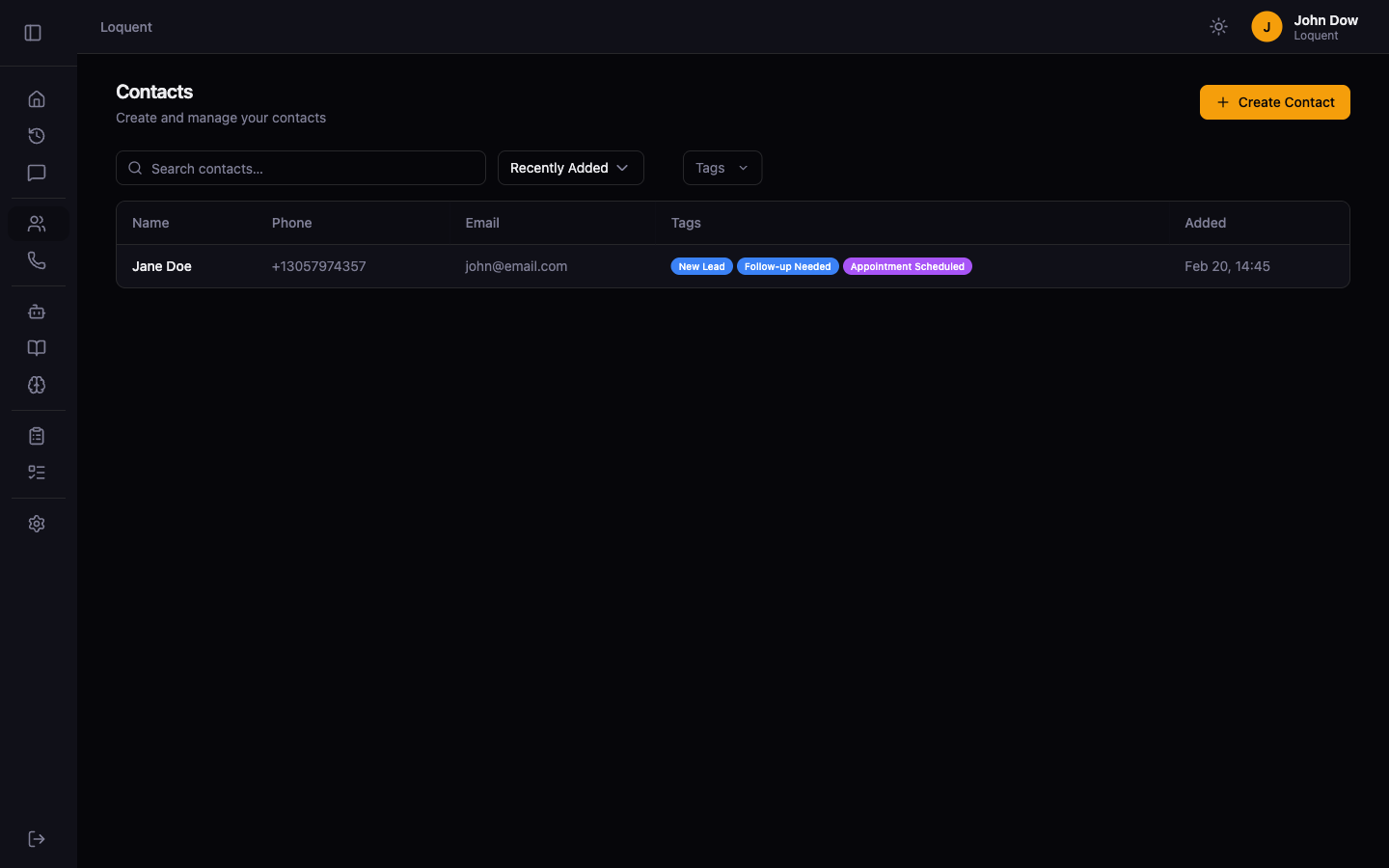
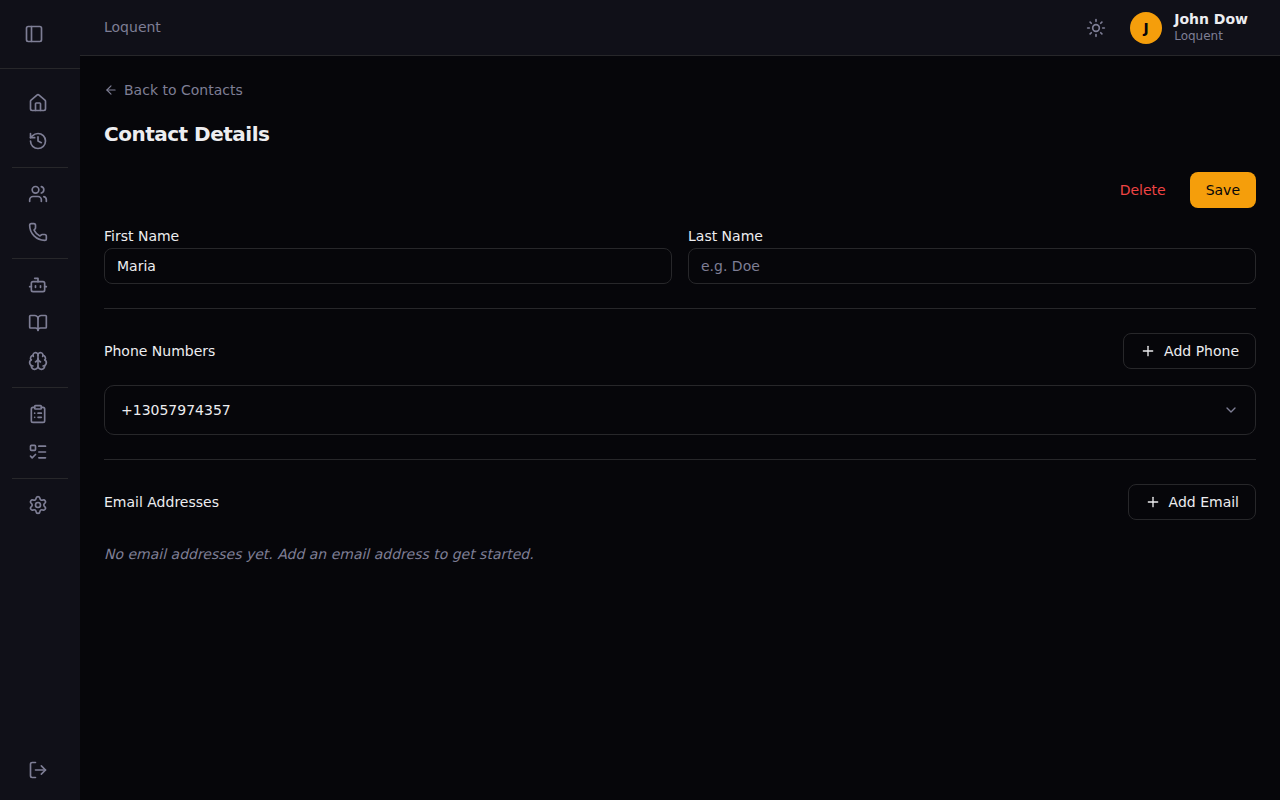
- Full contact directory — create, edit, and delete contacts with linked phone numbers and email addresses
- Auto-resolve — incoming callers are automatically matched to existing contacts by phone number, or a stub contact is created
- AI-powered enrichment — caller name and email are extracted from the transcription and saved to the contact record
Todo Automation
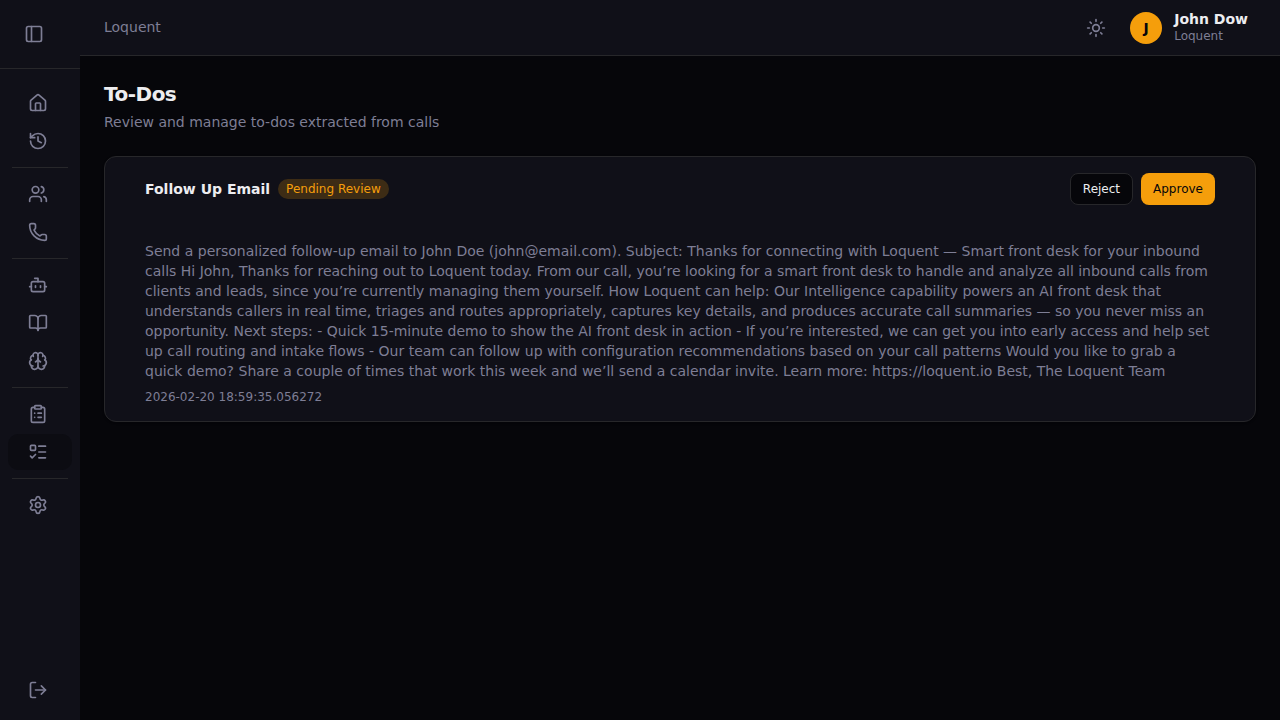
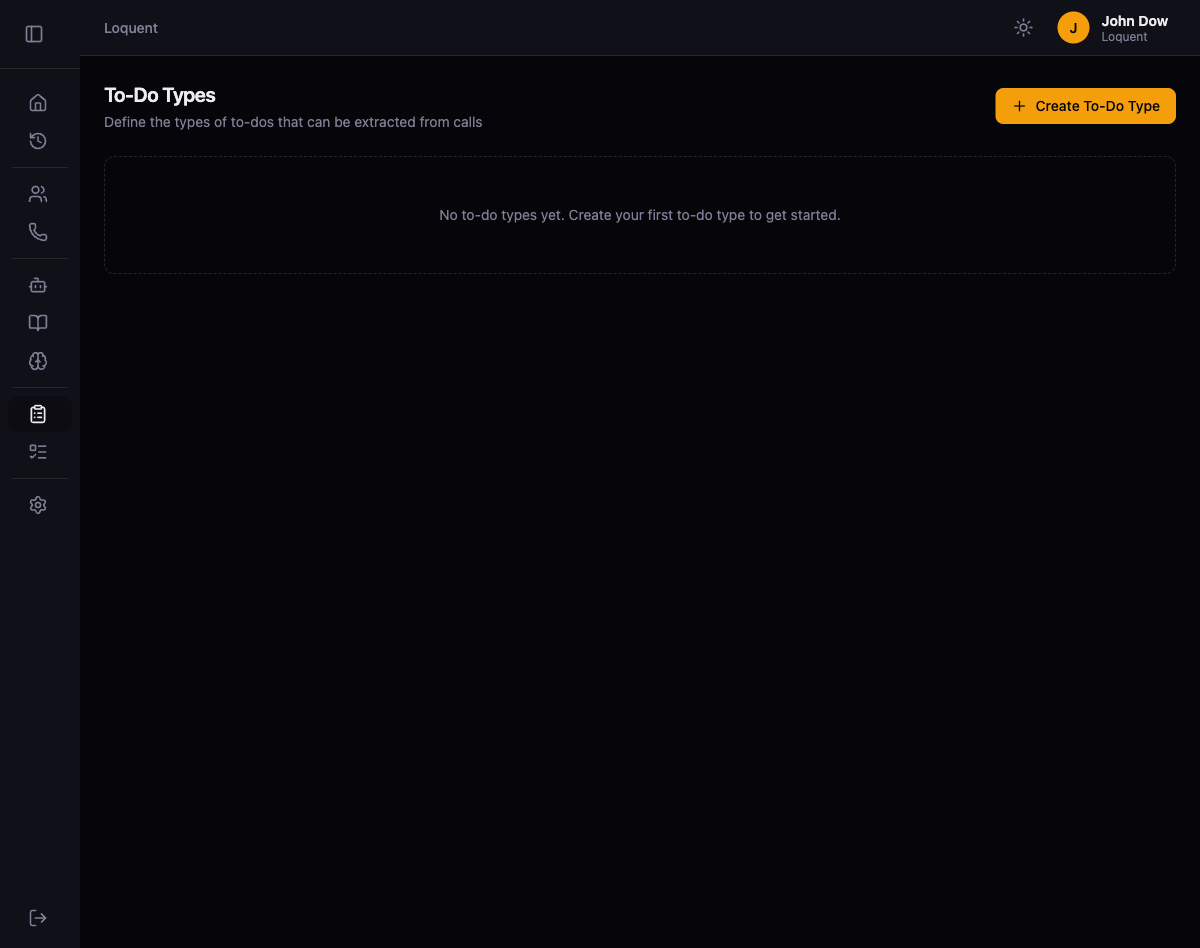
- Post-call todo extraction — after every call, the AI analyzes the transcription and creates actionable tasks based on your configured todo types
- Human review workflow — todos arrive in a pending queue for approval or rejection before execution
- Auto-approve — todo types can skip manual review and execute immediately after a call ends
- SendEmail tool — AI-driven general-purpose email action where the AI determines the recipient, subject, and body from task context
Dashboard
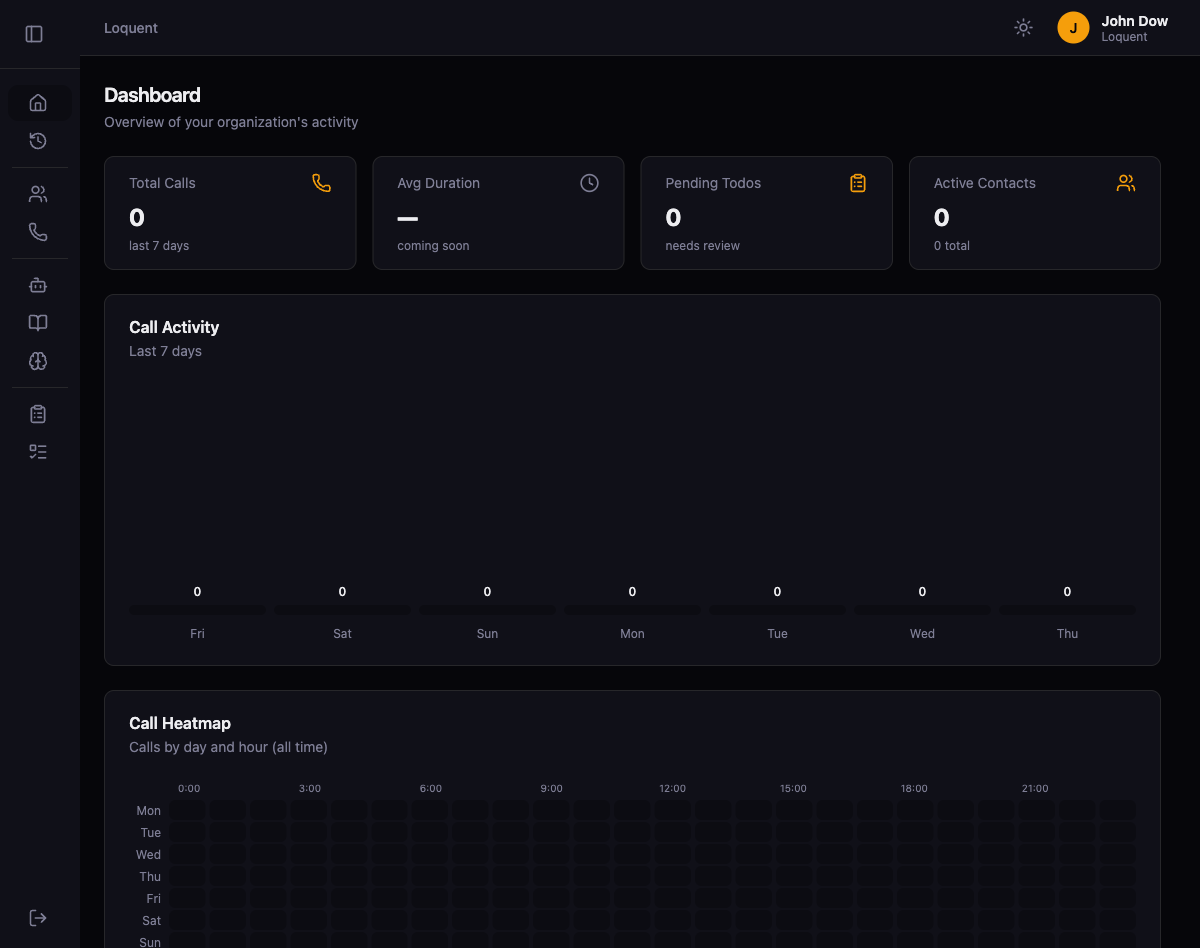
- KPI cards — total calls, pending todos, and active contacts at a glance
- 7-day call activity chart and call heatmap (day of week × hour of day)
- Recent calls list and todo status breakdown
Transcription & Audio
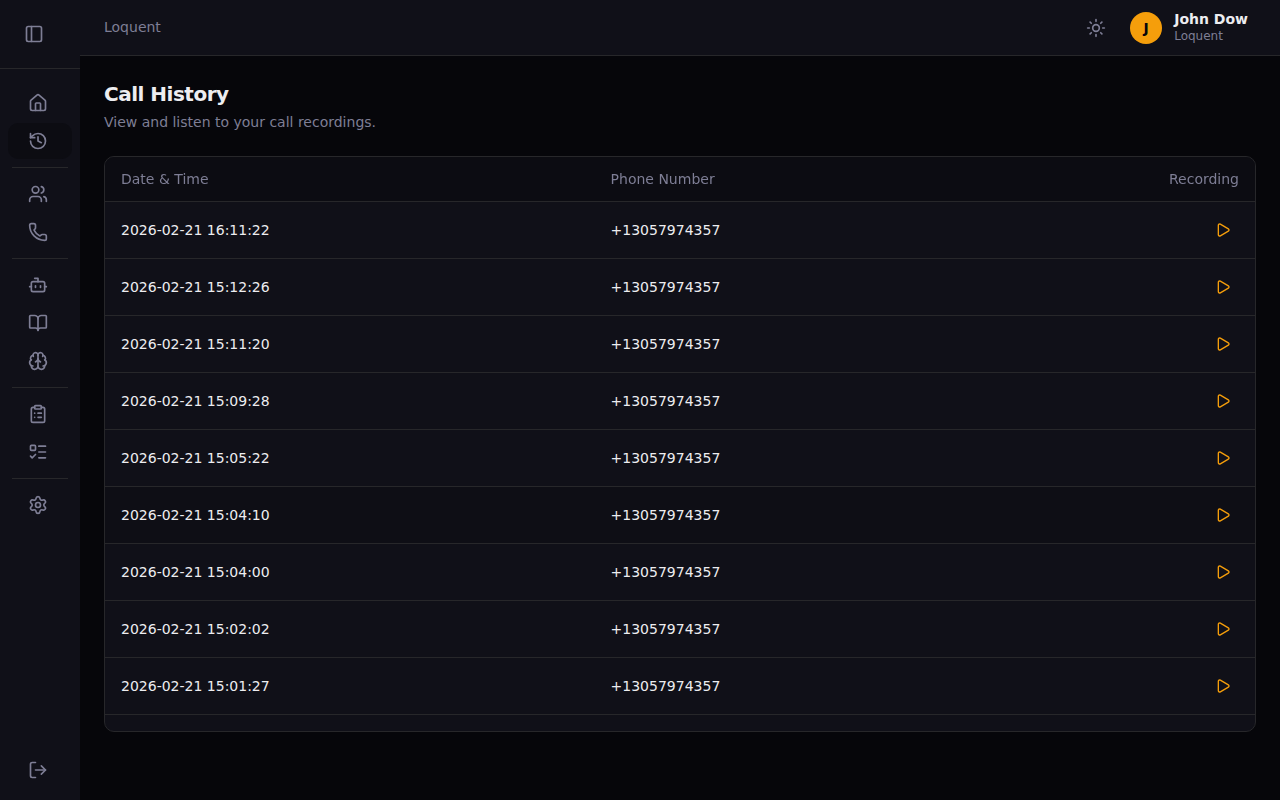
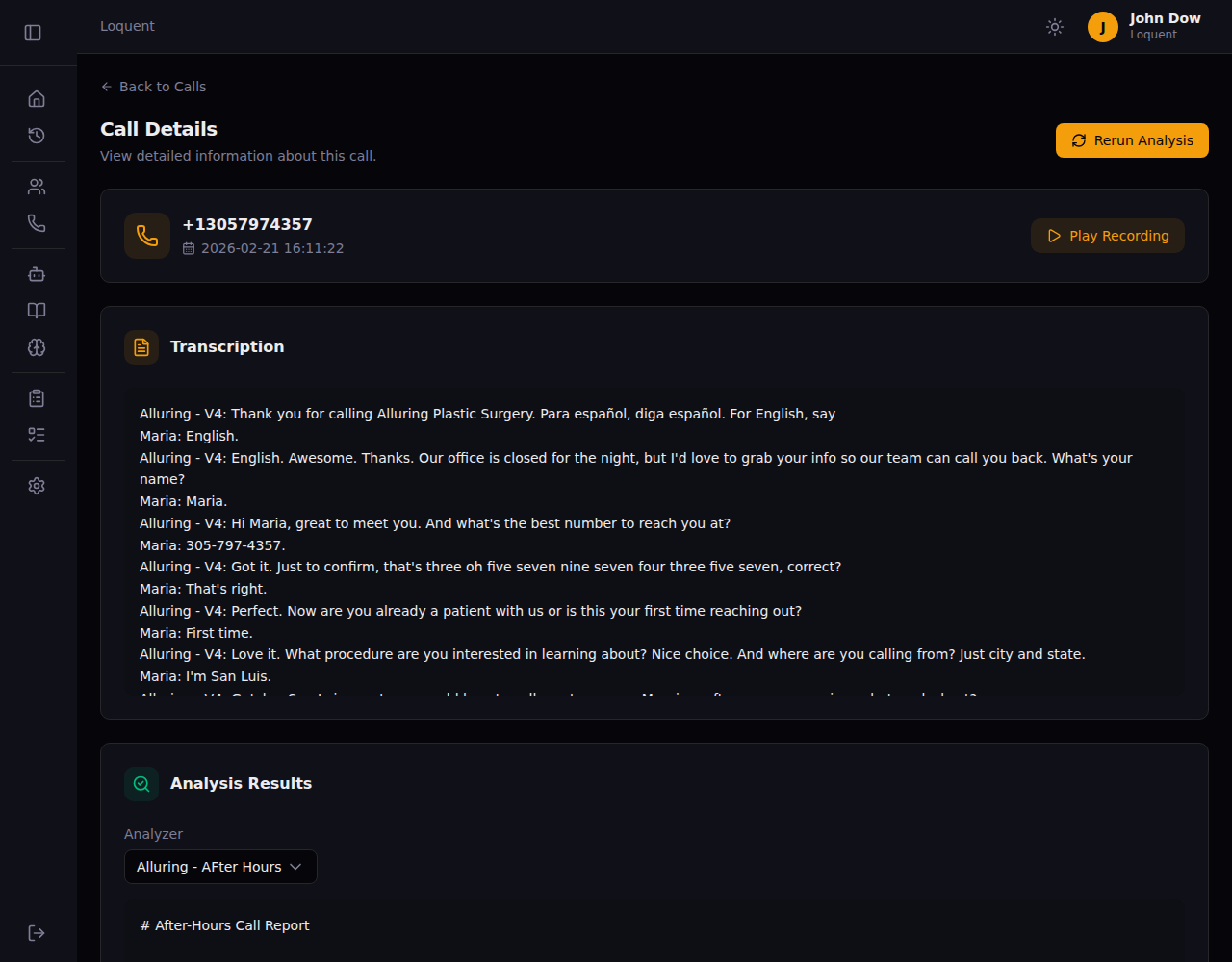
- Speaker diarization — transcriptions now show who said what, with speakers labeled by name (agent and caller)
- GPT-4o-transcribe — upgraded from Whisper-1 for higher accuracy
- Mono recording — fixed audio channel configuration to ensure both sides of the call are captured clearly
Agent Configuration
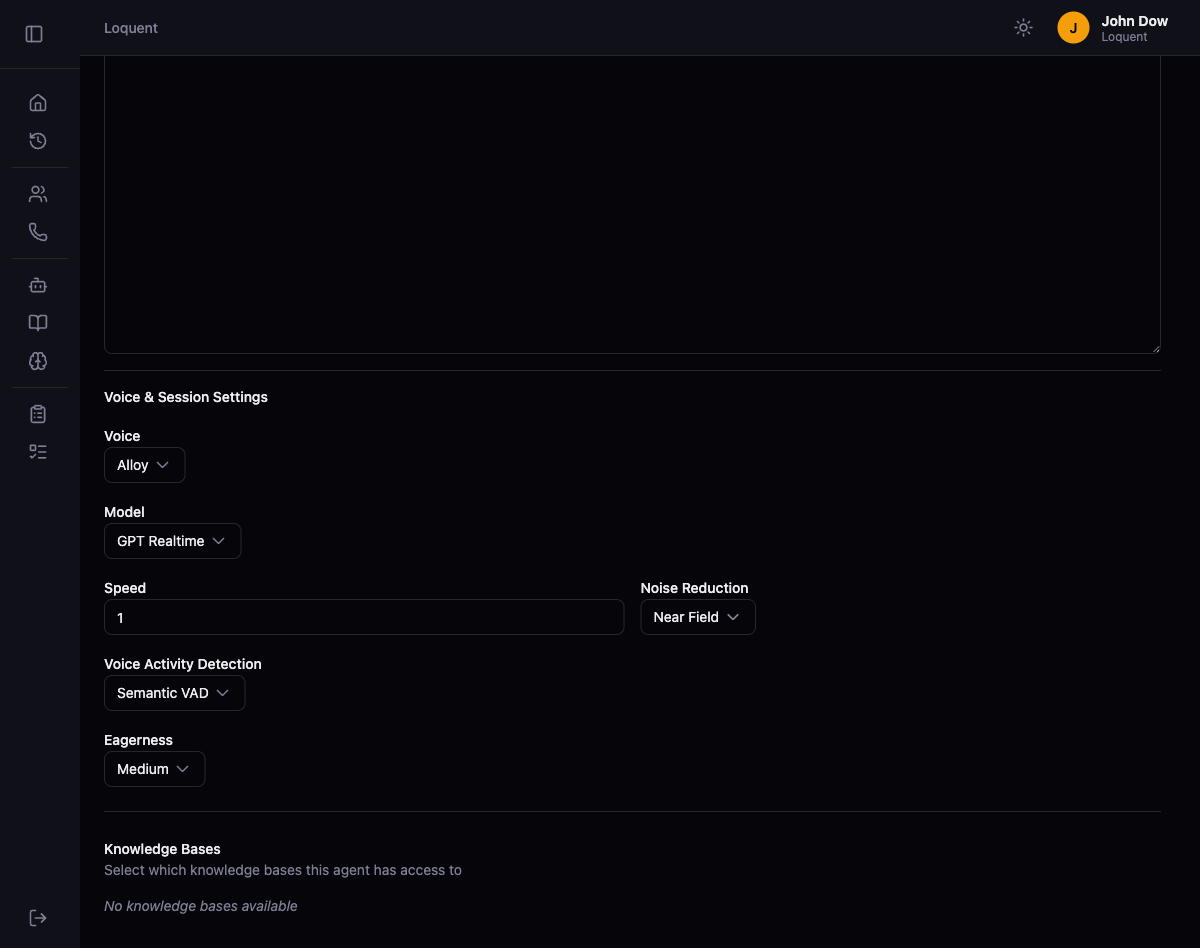
- Per-agent realtime config — voice, model, VAD, and noise reduction settings are now configured per agent, not globally
- New voices — Marin and Cedar added as OpenAI Realtime-exclusive voices; Marin is now the default
- New models — GPT Realtime Mini (
gpt-realtime-mini) added as a cost-efficient option; Gemini updated to GA model (gemini-live-2.5-flash-native-audio) - GPT-4.1-mini for knowledge queries — replaced deprecated GPT-4o-mini
Account Settings
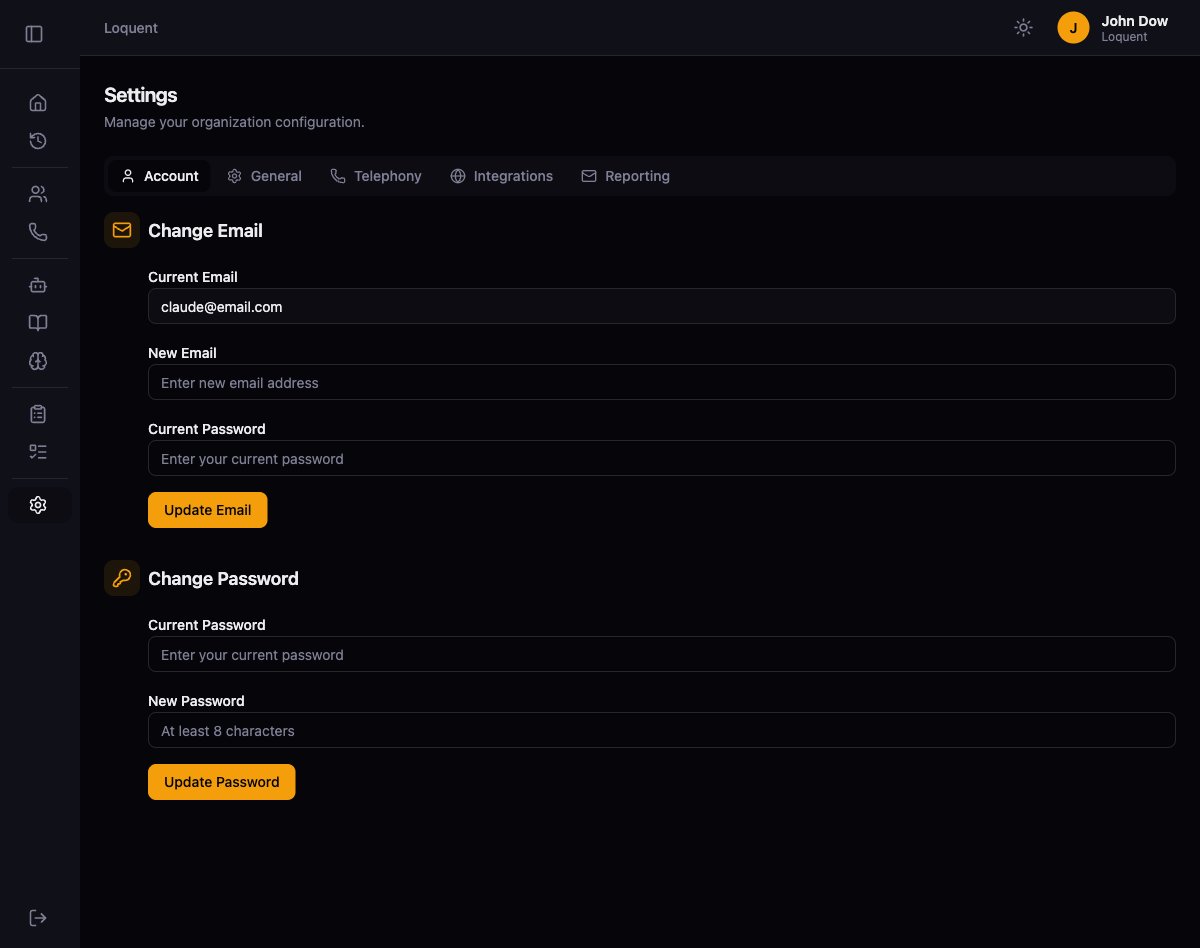
- Email change — update your login email with password verification and uniqueness check
- Password change — update your password with current password confirmation
Phone Numbers
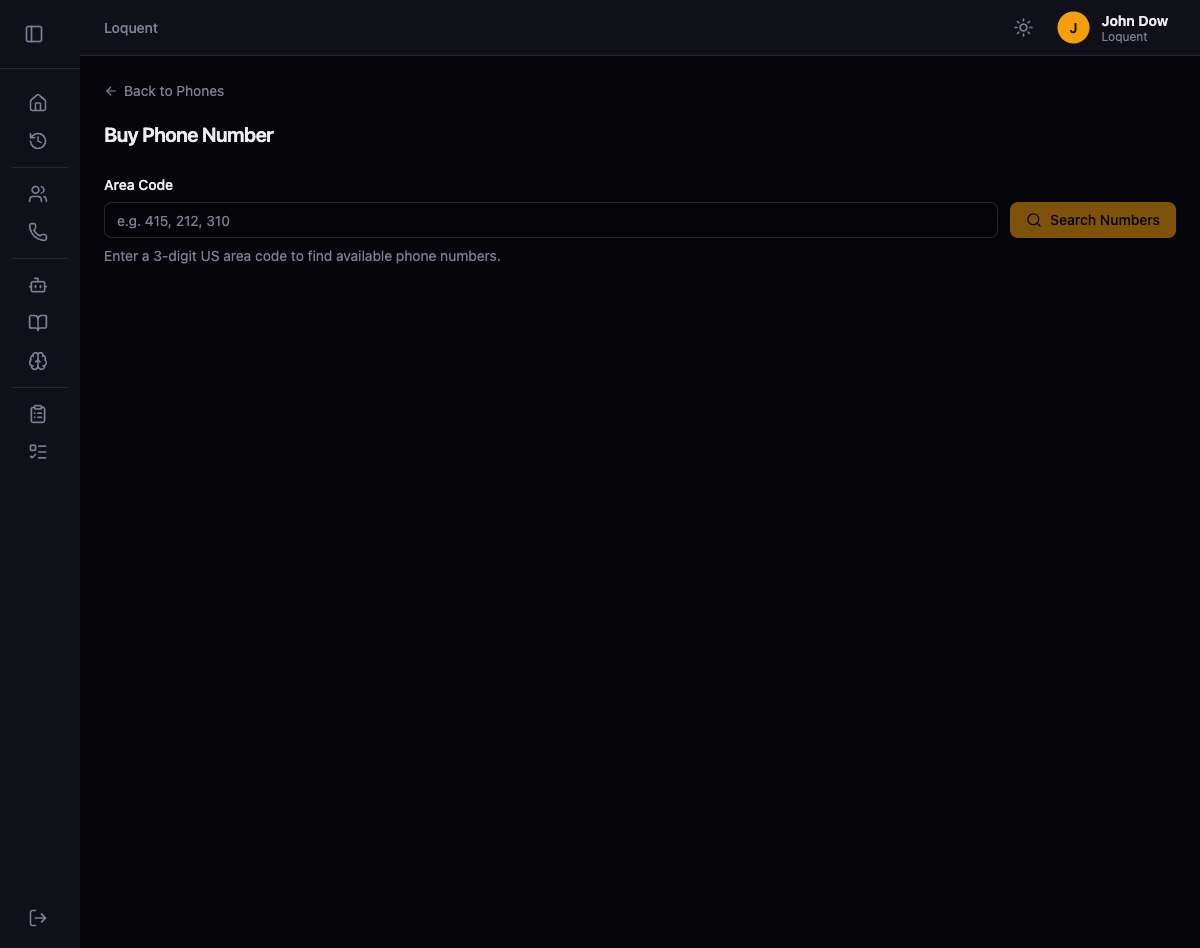
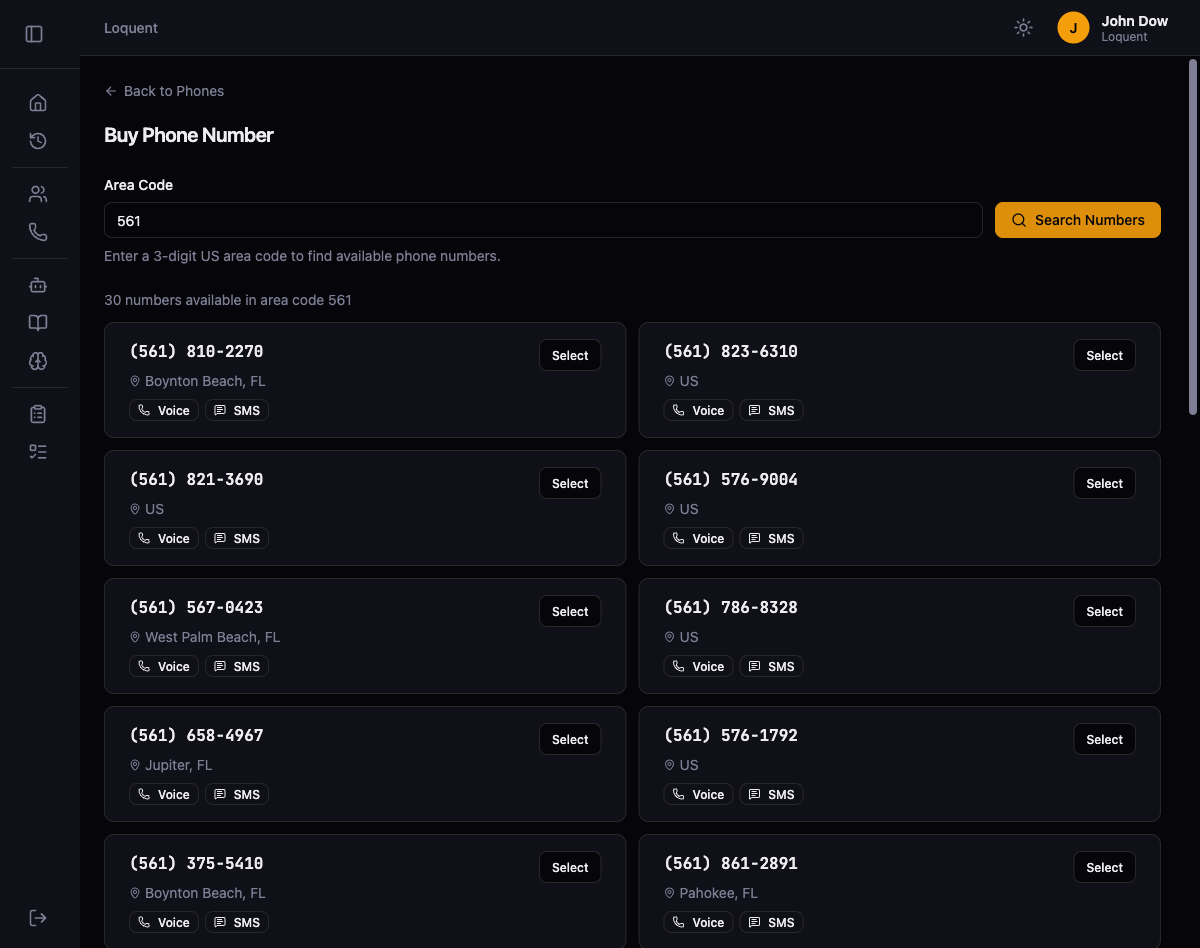
- Search & select flow — replaced blind area-code purchase with a search → browse → confirm experience
Per-Call Email Reports
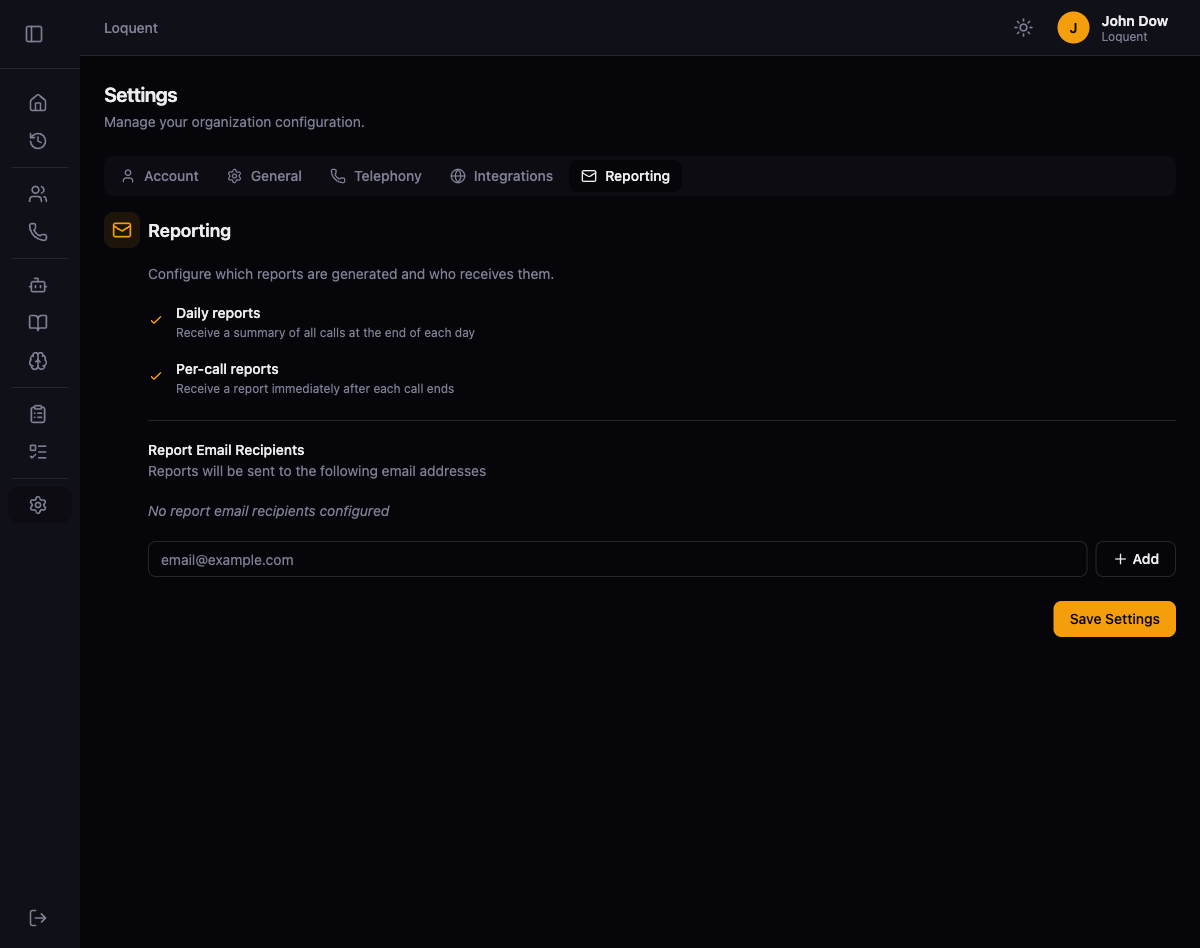
- Immediate email reports after each call is processed, with configurable daily and per-call toggles
System Analyzers
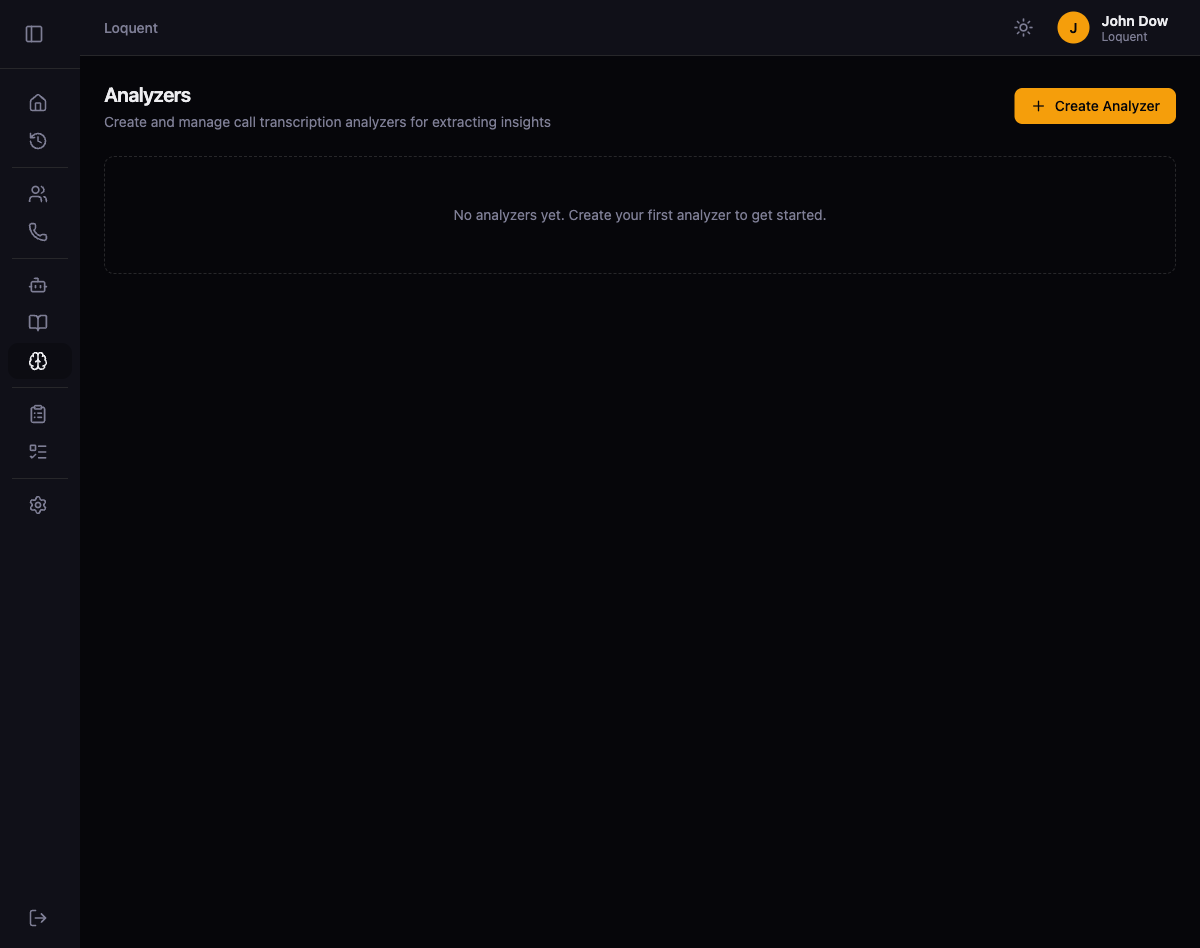
- Platform-level analyzers run on every call automatically, with a default toggle to assign them to newly purchased phone numbers
UI/UX
- Dark and light theme support with a toggle in the header
- Sidebar restructured into 4 logical sections
- Unified button styles and improved layouts across all views